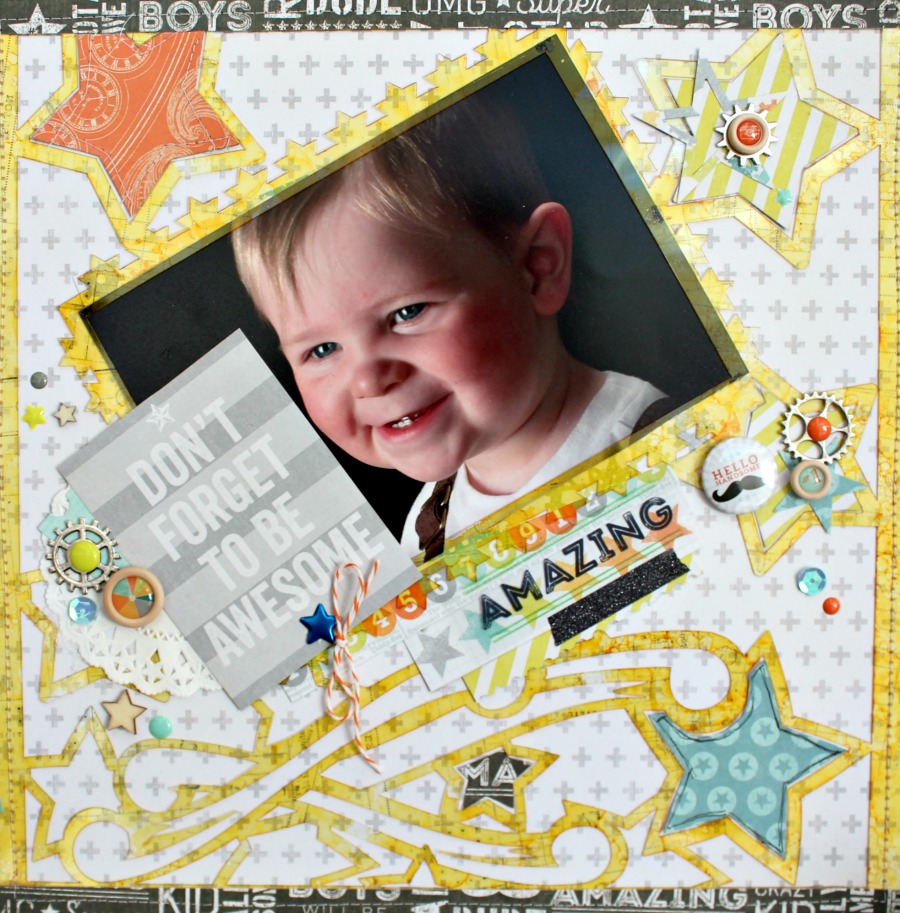
Hello friends! It's Jennifer on the blog today to share another 12×12 Acrylic Layout! If you haven't had a chance to play with these new Clear Scraps products, you must try them out! I promise its easy to add color and texture to; today I'm going to show you how!
For my layout, I used the Shooting Stars 12×12 Acrylic Layout which fits a 5×7 photograph. You can "flip" the acrylic layouts to fit your photos as needed too!
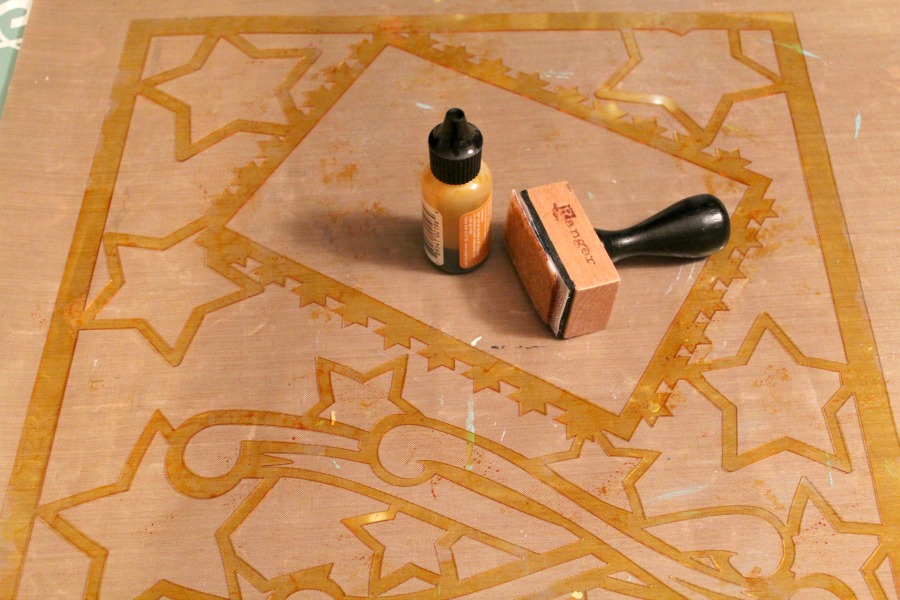
I started with alcohol ink which is one of the fastest and easiest ways to color your acrylic. (First remove the protective film from both sides).
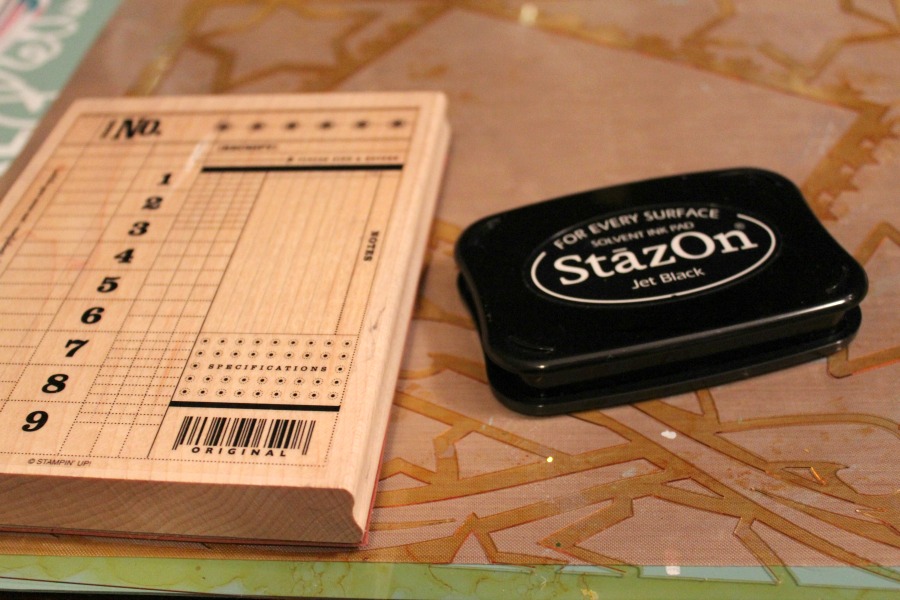
Next, I used a large background stamps and Staz-On ink to randomly stamp onto the acrylic. Staz-On ink works the best on Clear Scraps acrylic because it is solvent based and dries quickly.
Before adhering my acrylic down, I used the stars as a template with different patterns and cut out stars to insert into random spots on my page.
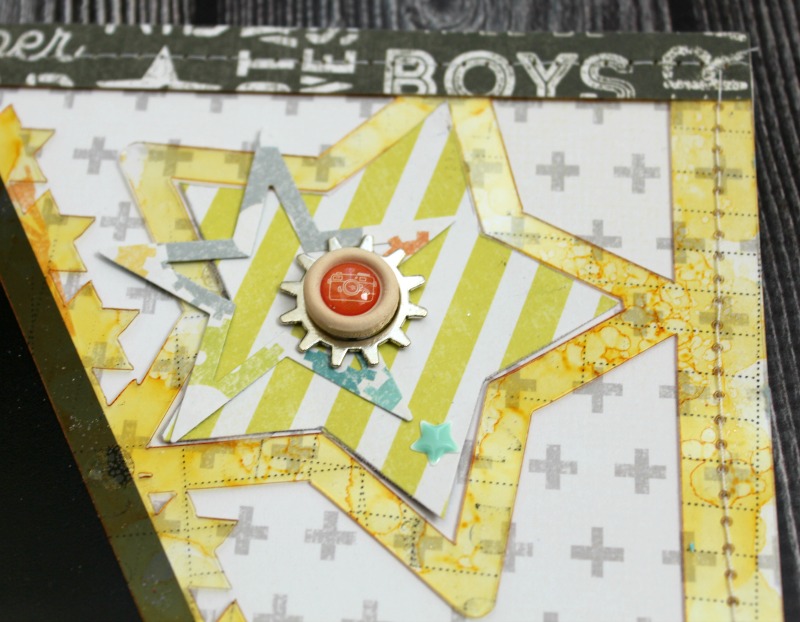
I used Beacon 3-in-1 Craft Adhesive to adhere my Acrylic Layout to my patterned paper. Did you know that you can also stitch through Clear Scraps acrylic? I used my sewing machine to go around the edge of of my page. Next, I added ephemera and embellishments from the collections to accent my photo.
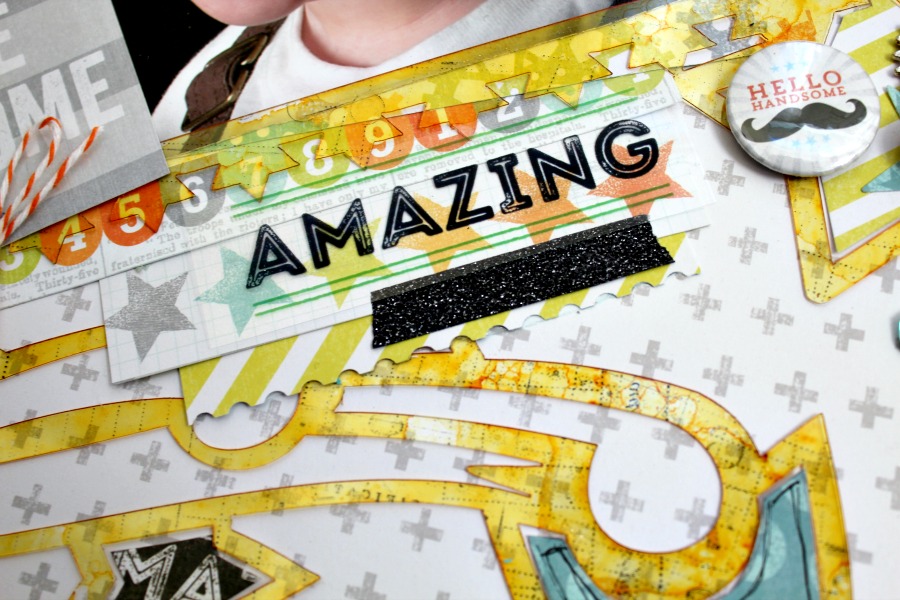
Here is a close up of the background stamping on the acrylic! It gives an extra bit of texture to your page!
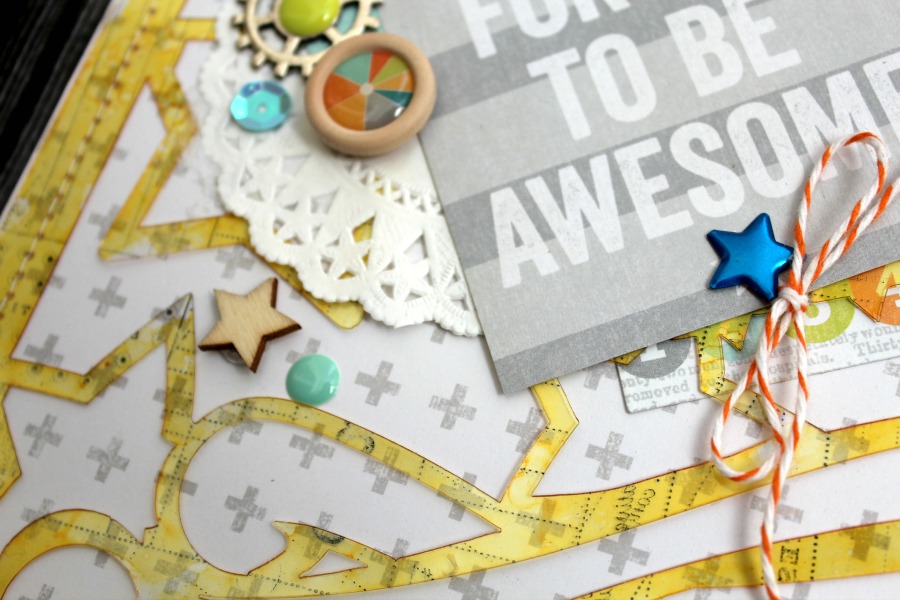
Thanks for stopping by today! Be sure to check out the variety of 12×12 Acrylic Layouts by clicking HERE! Have a great day!
Additional products used: patterned paper, ephemera, wooden shapes, sequins, brads, stickers, flair: Cocoa Vanilla Studio; washi tape: Heidi Swapp; bakers twine: Whisker Graphics; enamel dots: American Crafts; stamp: Stampin Up; ink: Staz-On; alcohol ink: Ranger; star punch: Teresa Collins Designs for Fiskars; misc: sewing machine, thread


 Clear Scraps Project Post
Leave a comment