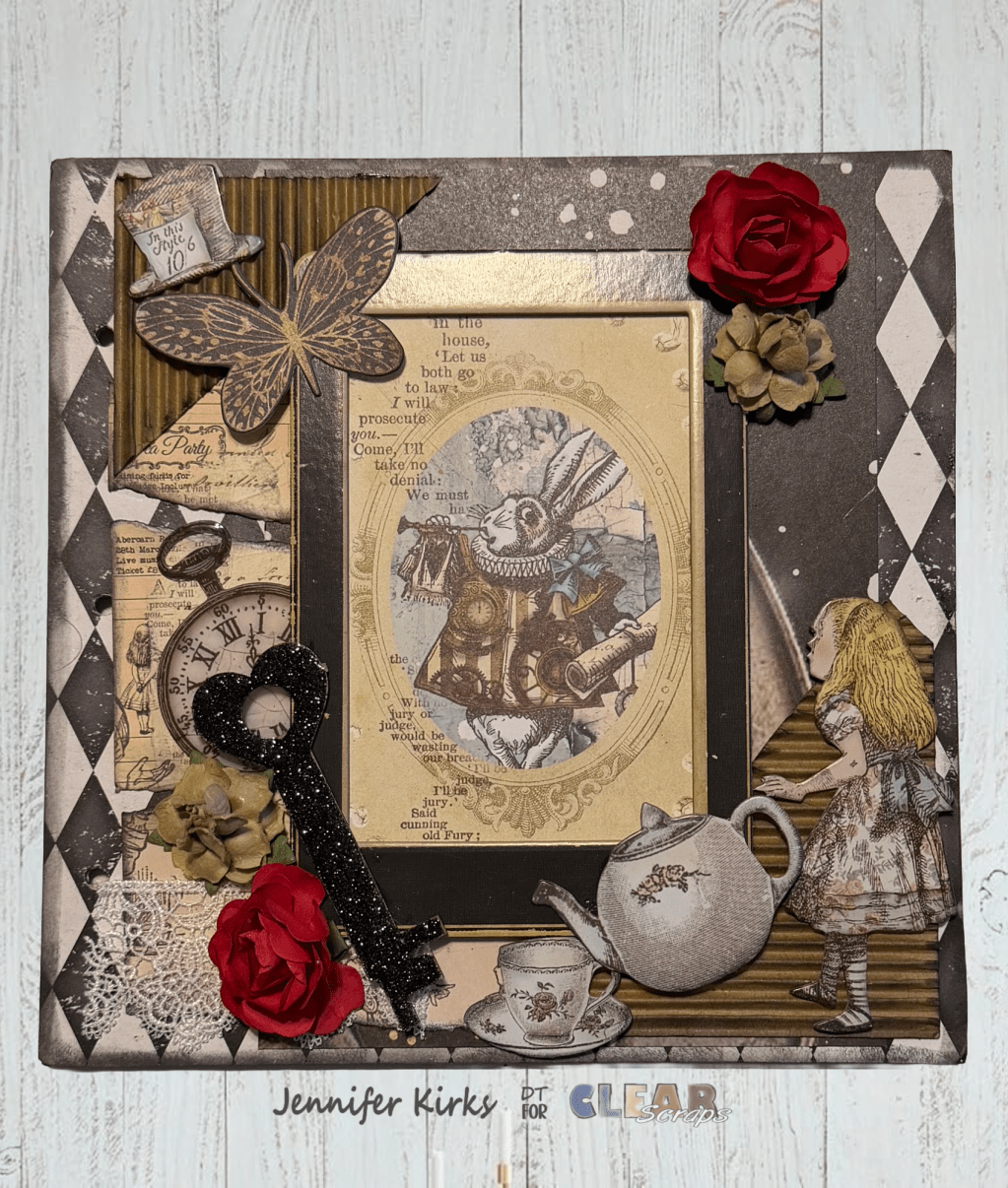
Today I bring you a layout that I created using One of Many XL shapes that Clear Scraps carries.

I created the background using Staz-On teal and brown inks and Tim Holtz Blending sponge tool.(click photo for a closer look)
Dab your sponge tool into your ink and dab on your acrylic several times getting different shades of your ink. Once you reached the look you like switch to brown ink and dab just the ends of your acrylic. It's super simple to do. Let it dry for a few minutes then start your layout.
Products used:
Clear Scraps XL Deco shape
Staz-On Teal and Brown inks
My Mind Eye pattern paper, die cuts, tag and overlay
Thanks for looking and stay tuned for contest info…
Clear Scraps Designer
Elisa Kammerdiener


 Clear Scraps Project Post
Leave a comment