Good morning! I wanted to share a layout I created of our new fur-ever fur-baby, Cookie. She's a Sheltie-Golden mix we adopted from our local shelter. All the kids will have a furbaby to sleep with at night now.. phew, no more arguing!
Today I am working with the Clear Expressions title Woof!, and also the acrylic Square border.


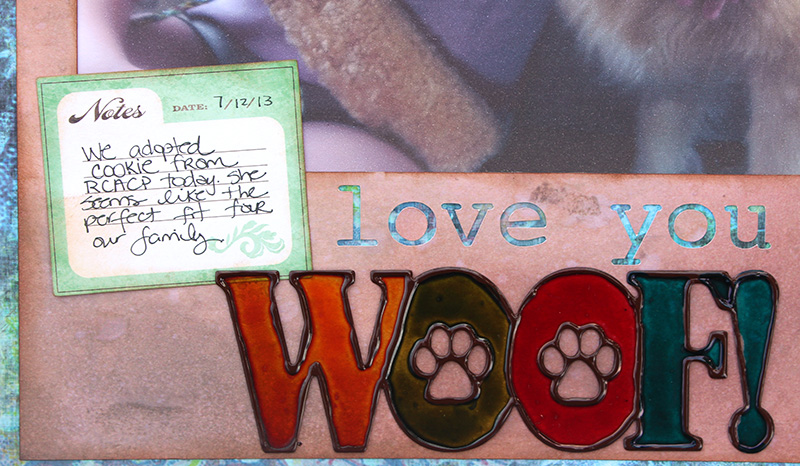
I created a fun stained glass look with the title using Viva Decor Pearl Pen and alcohol inks. Start by removing the protective film covering from the front of your title, then outline your letters with a thick line of the pearl pen. I chose the color dark brown, then let that dry about 2 hours.

Because the Decor Pearl Pen dries with a raised finish, it's perfect for holding a different color for each letter in the title. Using the alcohol inks Butterscotch, Lettuce, Red Pepper, and Stream; I dropped 3-4 drops of ink into a letter and tilted the title around until the letter was filled all the way with color.
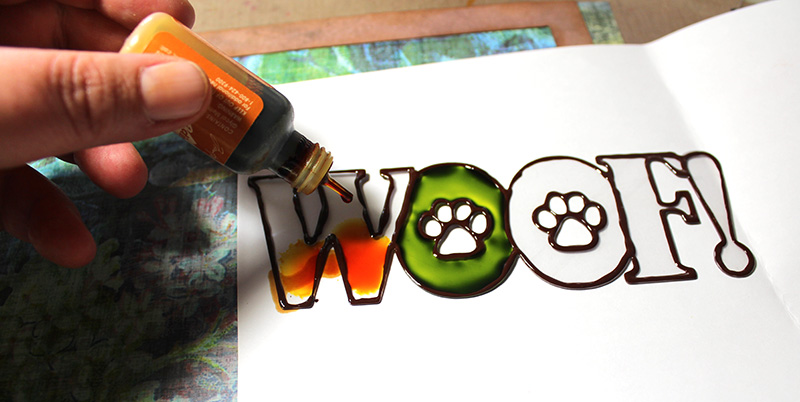
Continue until each letter has been colored in.
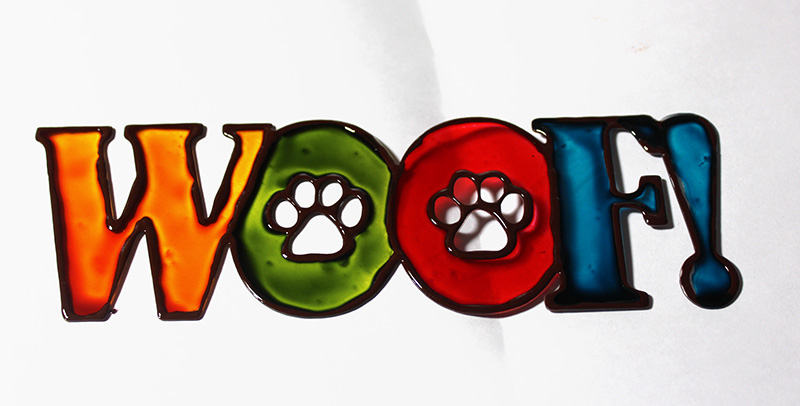
Once that dries (just a few minutes) you can remove the protective film covering from the backside of the title and place on your layout.
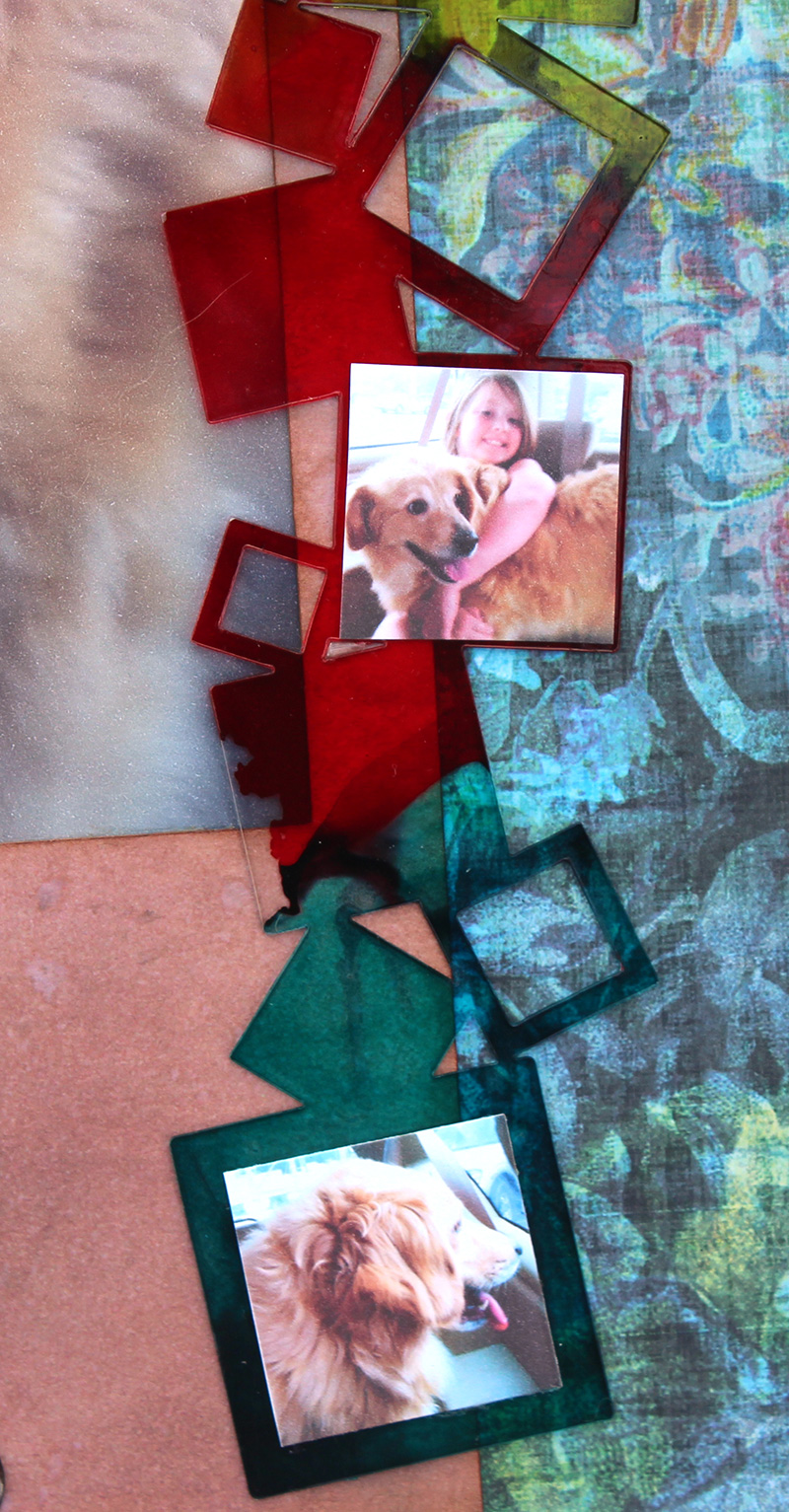
Next up, the acrylic square border. I also wanted to create a gradation of the same colors used in the WOOF! title. To do this, start by removing the protective film covering from the front side. Drop 2-3 drops of your first color of alcohol ink onto your border, then lift it up vertically to help the color run. You can control how far the gradation of color runs by the amount of drops you place on the acrylic, and the degree in which you tilt the acrylic for the color to run.
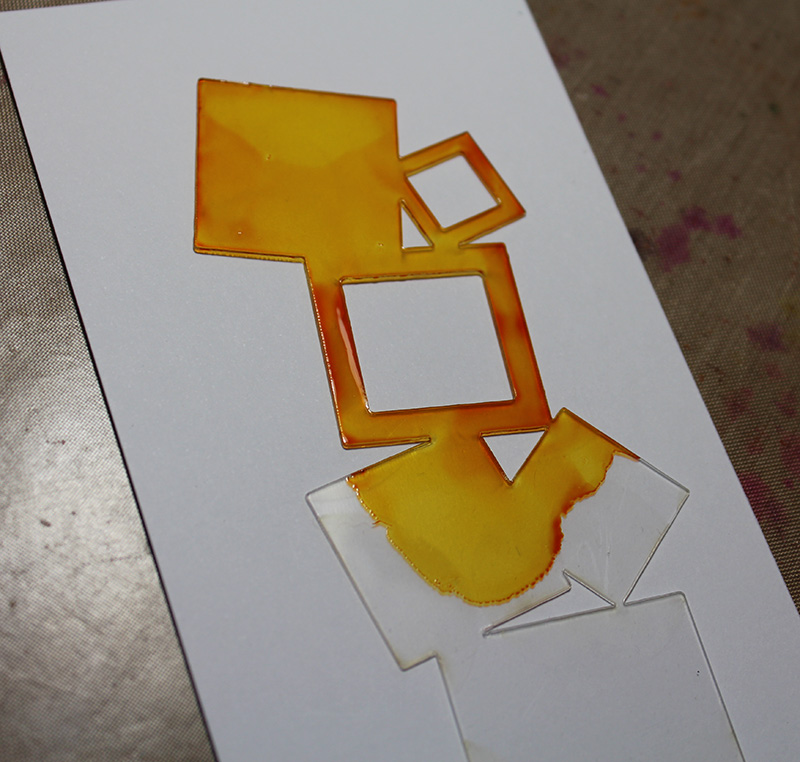
Now, I add in the next color which is Lettuce and place a few drops and tilt the border again.
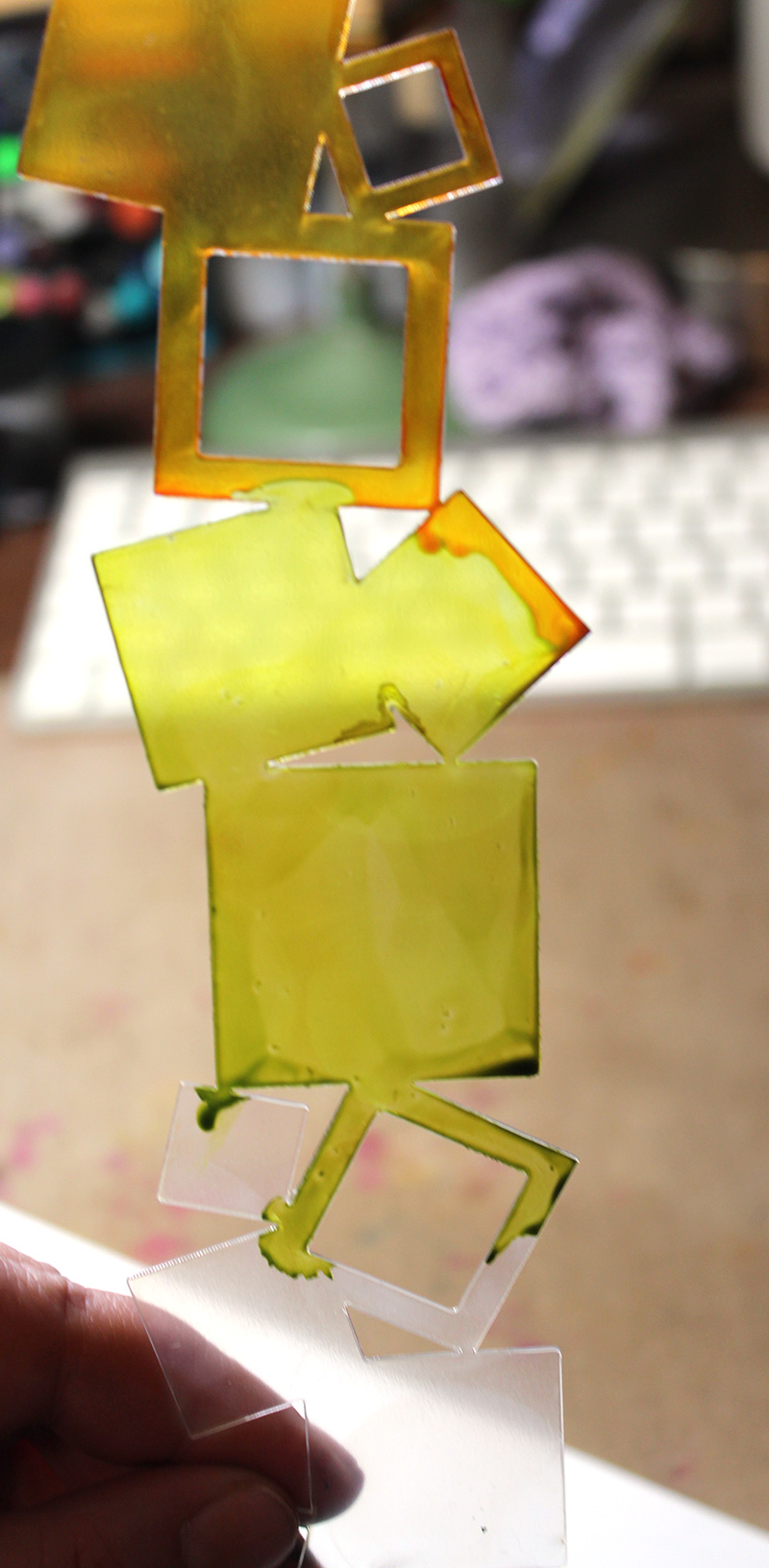
The Lettuce merged with the Butterscotch color, which I was happy with. Continue until your border has a nice gradation.
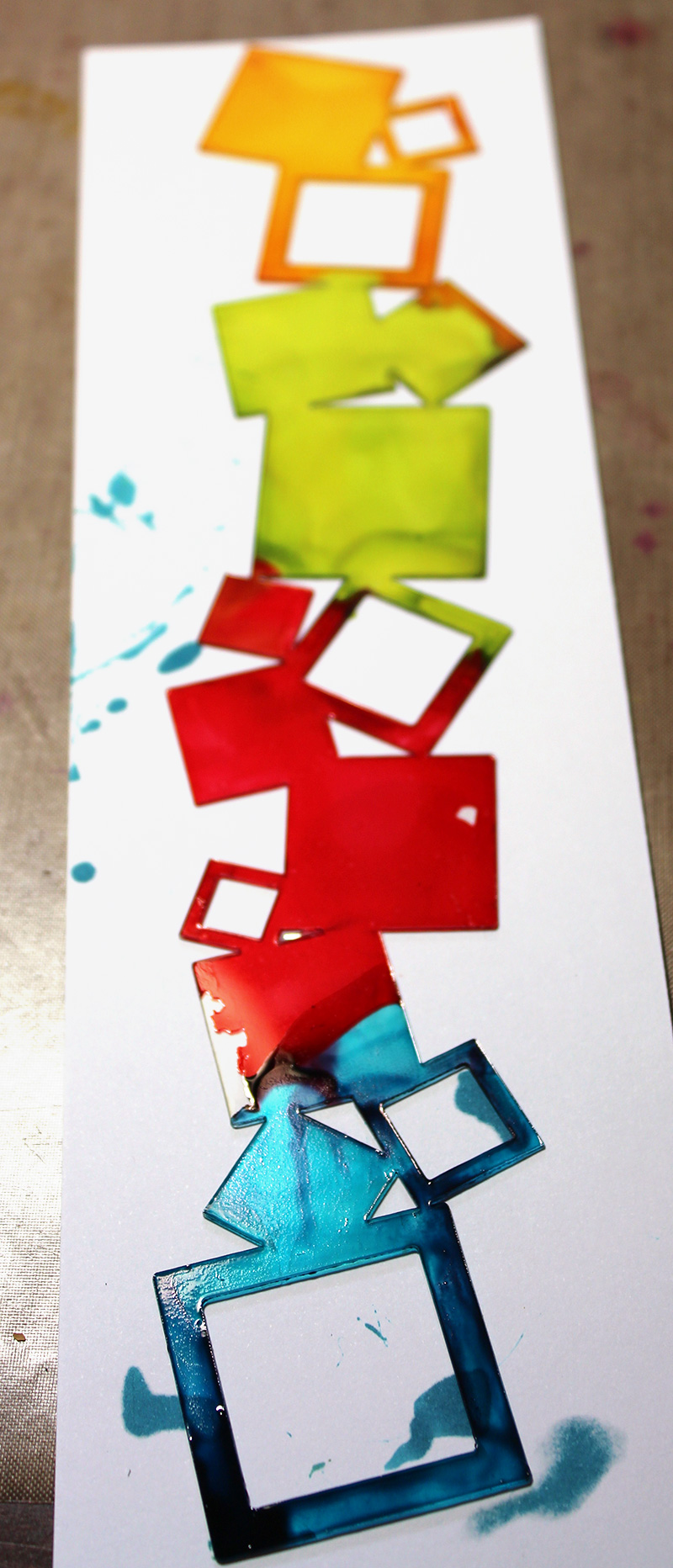
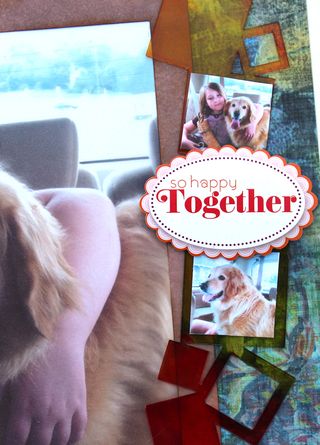
I like the messy look of spots that were not quite filled all the way with color. If you want yours filled all the way, just add a touch more color to yours. I also printed out 4 photos sized around 1.25" to add into some of the squares on the border.
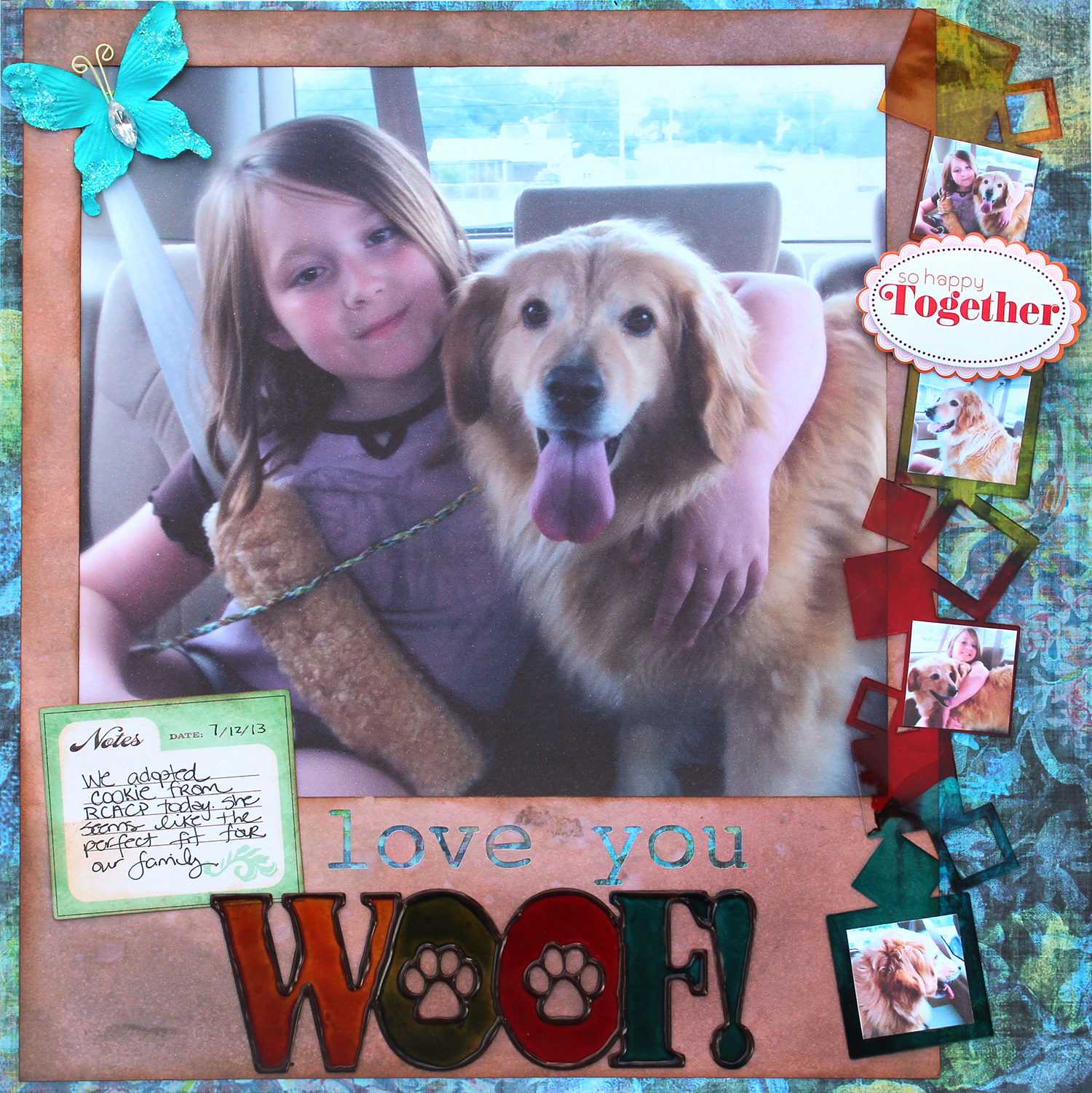
You can click on any photo to see it larger, here are a couple of close ups.
What have you been creating with your Clear Scraps products lately?
Show us on our Facebook page!
See you next time,
Leah Crowe, Clear Scraps Designer


 Clear Scraps Project Post
Leave a comment